Which industries use batch and which use continuous control?
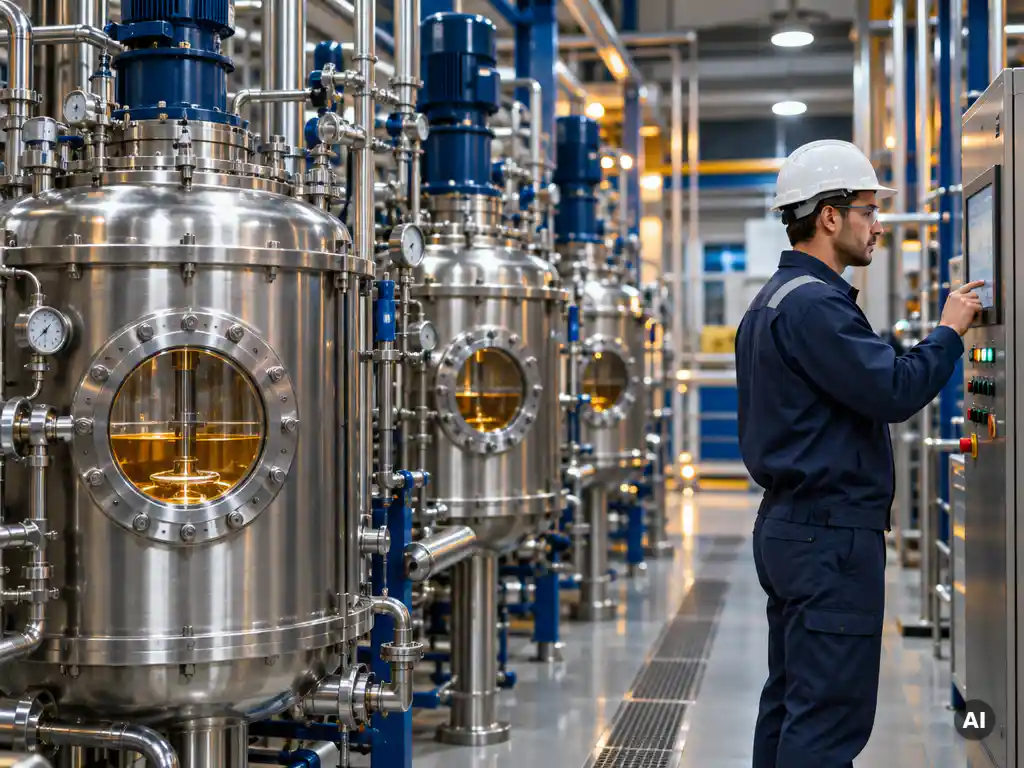
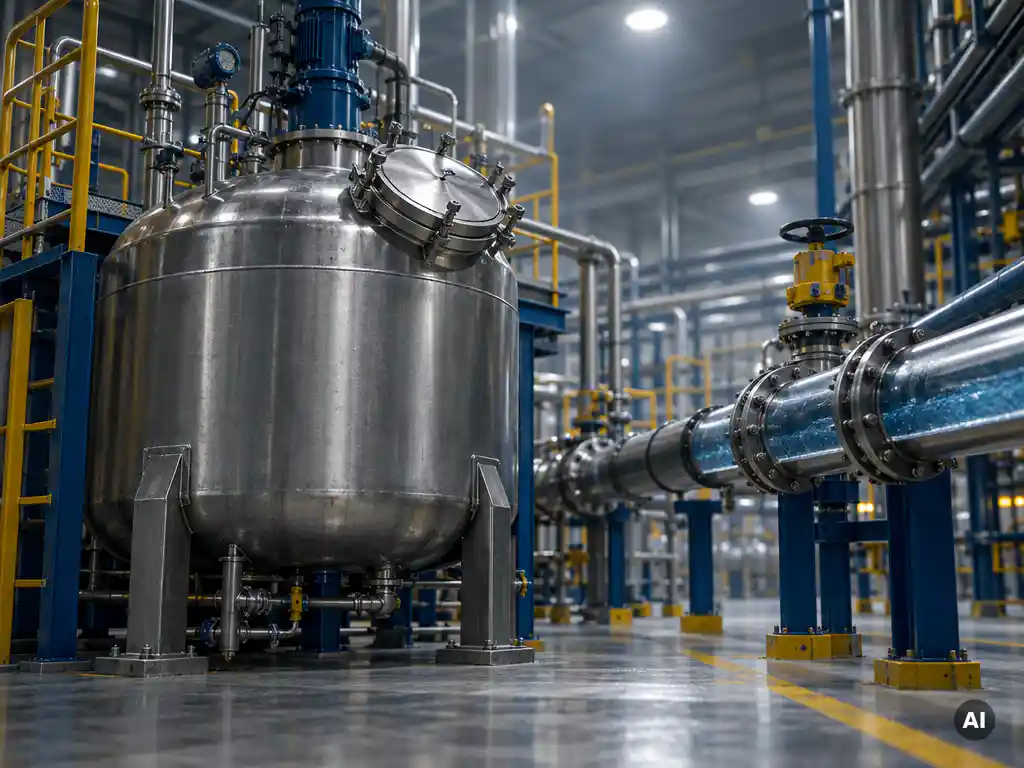
Batch control dominates industries that make varied products in limited quantities, such as specialty chemicals, pharmaceuticals, food and beverage, and beauty and wellbeing products. Continuous control dominates industries that make one product at high volume, such as oil and gas refining, bulk chemicals, and power generation.
The deciding factor is usually product variety. A plant that makes many different formulations on shared equipment benefits from batch control, because the same vessels and pipework can produce different products by changing the recipe. A plant that makes a single commodity around the clock benefits from continuous control, because steady operation keeps throughput high and conditions stable.
In practice, the line is not always sharp. A dairy might pasteurize milk continuously and then process cheese or yogurt in batches. Many chemical sites run both styles side by side.
How do batch and continuous control compare in practice?
The key difference is time and flexibility. Batch control works through a sequence of steps with a defined start and end, while continuous control holds process variables at a steady setpoint without a natural endpoint. Batch favors flexibility and traceability, and continuous favors efficiency and consistency at scale.
Batch control in practice
Operators or schedulers start a batch, the system works through phases such as charging, heating, reacting, and discharging, and then the equipment is cleaned and prepared for the next run. Each batch gets its own record, which makes lot traceability straightforward. Good batch scheduling matters here, because idle equipment between batches directly reduces output.
Continuous control in practice
Feed enters, product leaves, and control loops adjust flow, temperature, and pressure to keep everything on target. The main challenge is stability: disturbances travel through the whole process, so tuning and monitoring are critical. Changeovers to a different product are costly and slow, which is why continuous plants rarely switch products.
Can one plant run batch and continuous processes together?
Yes, many plants combine both. These are often called hybrid processes. A continuous section might prepare a utility or raw material stream, while batch units downstream turn it into different finished products. The control system must coordinate both styles and share data between them.
Common examples include a continuous reactor feeding batch blending or packaging, or a continuous utility network supporting several batch reactors. The practical requirement is a control platform that handles both sequential logic and regulatory loops, and that connects cleanly to higher-level systems such as MES and ERP. Without that connection, planning and execution drift apart, and operators end up retyping data by hand.
How does recipe management work in batch control?
Recipe management in batch control separates the process instructions from the equipment that runs them. A recipe defines the ingredients, quantities, sequence, and parameters for a product, and the batch system executes it on available equipment. This lets you make different products on the same plant without reprogramming.
Most modern systems follow the ISA-88 standard, which structures recipes into layers:
- Master recipe: the reusable, equipment-independent definition of how to make a product.
- Control recipe: a copy of the master recipe with specific quantities and equipment assigned for one batch.
- Equipment phases: the building blocks, such as dosing or heating, that the recipe calls on.
Because a recipe is data rather than code, a process engineer can adjust a formulation or add a product variant without touching the underlying automation. Every executed batch also produces a record of what actually happened, which supports quality audits and regulatory requirements. Linking recipes and batch scheduling to ERP or MES means orders can flow straight from planning into production.
What should you consider when choosing a control approach?
Choose based on product variety, volume, and how often you change products. Batch control fits many products in moderate volumes with frequent changeovers. Continuous control fits one or a few products in large, steady volumes. Regulatory traceability, equipment cost, and future growth plans should also influence the decision.
Work through these questions with your team:
- How many products do you make, and how often do they change? High variety points to batch.
- What volumes do you need? Very high, steady volumes point to continuous.
- How strict is traceability? Industries that need full lot genealogy lean toward batch.
- How stable is demand? Fluctuating demand favors the flexibility of batch.
- What integration do you need? Check how well the approach connects to MES, ERP, and reporting.
Remember that the choice is rarely permanent. Process design, market shifts, and new products can all change which approach makes sense.
Is it possible to switch from batch to continuous control?
Yes, but it is a process redesign, not just a software change. Moving from batch to continuous usually requires different equipment, new control strategies, and a process that can run stably at steady state. The control system can often be extended, but the chemistry, equipment, and operating philosophy must support continuous flow.
Before committing, check whether the product and reaction suit continuous operation, whether demand justifies dedicated high-volume equipment, and how you will handle the loss of flexibility. Some companies take a middle path, running a pilot continuous line alongside existing batch production to test stability and economics before a full transition. Switching in the other direction, from continuous to batch, is just as much a process decision as a control one.
How Smart Batch Connect helps with batch control
If you run Siemens SIMATIC Batch, connecting it to your business systems is often the hardest part. We built Smart Batch Connect to solve exactly that. It acts as a standardized integration layer between SIMATIC Batch and external applications, so you do not need to build custom connections for every system.
With Smart Batch Connect, you can:
- Connect SIMATIC Batch to ERP systems so production orders create and schedule batches automatically.
- Link batch control with MES and MOM platforms for real-time coordination and production feedback.
- Use modern REST API access instead of legacy COM and DCOM communication.
- Capture and queue batch events through a message broker, so information is not lost during temporary connection drops.
- Test integrations safely with a mock mode, without needing a live SIMATIC Batch installation.
- Serve multiple clients, such as ERP, MES, and web dashboards, at the same time.
The result is smoother batch scheduling, better visibility, and less integration effort for your engineering team. Want to see how it could fit your plant? Take a look at Smart Batch Connect, or get in touch with us and we will gladly talk through your batch control setup.
Frequently Asked Questions
How do I get started with implementing batch control in an existing plant?
Start by documenting your current products, process steps, and equipment, then map them to the ISA-88 model: separate the physical model (units, equipment modules) from the procedural model (recipes, phases). Pilot the approach on one product or unit before rolling it out, and involve operators and process engineers early so the recipes reflect how the process really runs. Choose a platform such as Siemens SIMATIC Batch that supports ISA-88 and integrates with your MES and ERP.
What are the most common mistakes when setting up batch control?
The most frequent mistakes are hard-coding product logic into the automation instead of keeping it in recipes, and designing equipment phases that are too specific to one product to be reused. Another common problem is ignoring cleaning and changeover time in batch scheduling, which leaves expensive equipment idle. Finally, many teams treat integration with ERP and MES as an afterthought, which leads to manual data entry and mismatches between planned and actual production.
How can I reduce idle time and improve throughput in batch production?
Begin by measuring where time is lost: waiting for materials, cleaning, operator acknowledgment, or unavailable equipment. Improve batch scheduling so that orders are sequenced to minimize changeovers, for example by grouping similar products together. Automating the flow of production orders from ERP into the batch system also removes delays caused by manual order entry and re-planning.
What should I do if my batch system loses connection to ERP or MES during a run?
Design the integration so that the batch system can keep running on its own and events are buffered until the connection returns. A message broker or queue is the usual way to do this, since it stores batch events and delivers them in order once communication is restored. Also set up monitoring and alerts for integration failures, and test recovery scenarios before go-live so you know that no batch records or order confirmations are lost.
How do I test batch integrations without disrupting production?
Use a separate test environment or a simulation or mock mode that imitates the batch system’s responses, so you can try out order creation, status updates, and error handling without a live installation. Test normal flows first, then failure cases such as rejected orders, timeouts, and duplicate messages. Only move to a staged rollout on real equipment once the integration behaves correctly in simulation.
Do I need to replace legacy COM/DCOM interfaces when modernizing my batch setup?
Not necessarily immediately, but legacy COM and DCOM communication is hard to secure, firewall, and maintain, so it is a good candidate for replacement. A common approach is to place a modern integration layer, such as a REST API, in front of the existing batch system so new applications connect through standard web technologies. This lets you modernize step by step without rewriting the underlying batch control.
How do I keep batch records audit-ready for regulated industries?
Make sure every executed batch automatically generates a complete record of recipe version, quantities, equipment used, operator actions, and deviations, and that these records cannot be edited after the fact. Link batch IDs to material lots and production orders so you can trace genealogy in both directions. Regularly rehearse an audit or recall scenario to confirm you can retrieve the full history of a batch quickly.