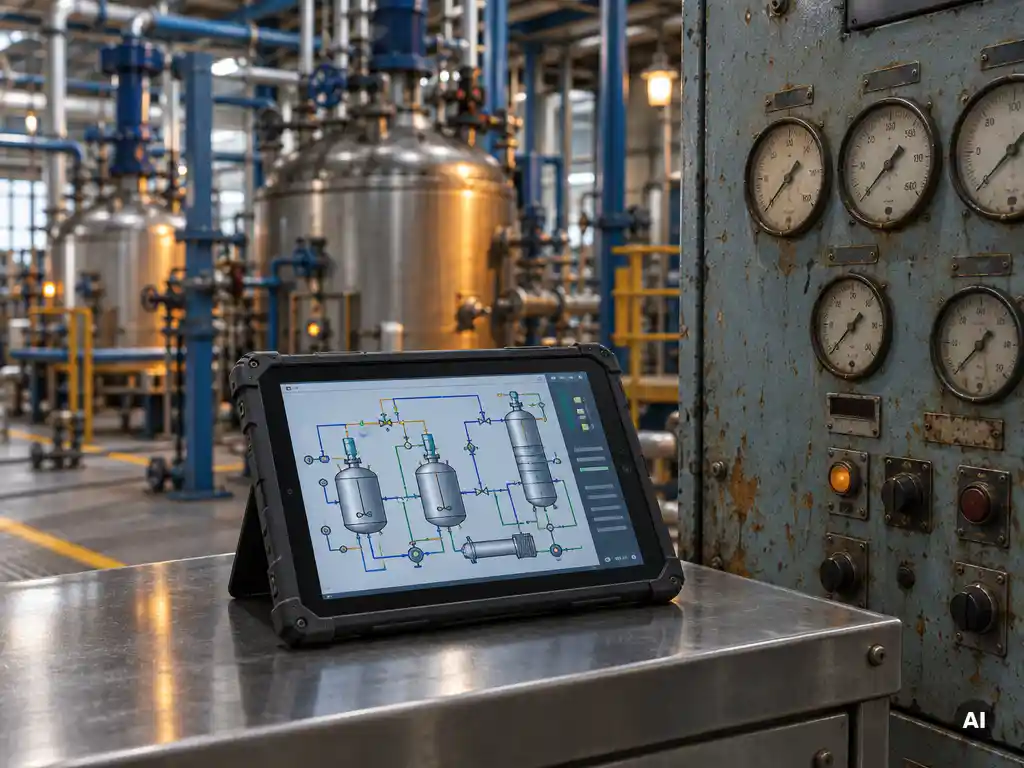
Production deviations happen without proper batch control because recipes, parameters, and sequencing depend on manual decisions and disconnected systems instead of enforced, repeatable logic. Small differences in timing, quantity, or order add up and push a batch outside specification. Strong batch control and smart batch scheduling remove that room for variation. Below, we answer the questions plant teams ask most about where deviations start and how to stop them.
Which batch steps are most prone to deviations?
The batch steps most prone to deviations are material charging, ramp and hold phases for temperature or pressure, transitions between phases, and equipment changeovers. These steps depend on exact timing, quantities, and sequencing, so any small inconsistency quickly shows up in the final product quality.
Charging is a common weak spot because the wrong quantity, the wrong order, or the wrong material lot can ruin a whole batch. Heating, cooling, and mixing steps are sensitive too, since a hold time that runs slightly short or long changes the reaction or the texture of the product.
Phase transitions deserve extra attention. When one step ends and the next begins, a missed interlock or a late operator confirmation can leave a vessel waiting or move on too early. Changeovers between products add risk as well, because cleaning status and equipment availability must be confirmed before the next batch starts.
How do manual recipes and operator choices cause variation?
Manual recipes and operator choices cause variation because each person interprets instructions, sets parameters, and times actions slightly differently. Even experienced operators vary from shift to shift, so the same product is made in slightly different ways. Without enforced recipe logic, that human variability turns directly into batch-to-batch inconsistency.
Several patterns show up again and again:
- Recipe versions that drift. Paper or spreadsheet recipes get copied, edited, and printed, so teams end up working from different versions.
- Manual setpoint entry. Typing a value by hand invites transposed digits and rounding habits.
- Informal workarounds. Operators learn shortcuts that work most of the time but are never validated or documented.
- Shift handover gaps. Context about a batch in progress gets lost when one crew hands over to the next.
None of this reflects poor operators. It reflects a system that asks people to remember and repeat what software can do consistently.
What are early warning signs of a batch deviation?
Early warning signs of a batch deviation include process values drifting toward alarm limits, phases taking longer or shorter than usual, frequent manual overrides, and repeated operator interventions on the same step. Spotting these signals early lets teams correct a batch before it leaves specification.
Look out for these indicators in your daily operation:
- Cycle times that slowly creep up on a recipe that used to run predictably
- Operators regularly adjusting a setpoint or skipping a confirmation
- Rising numbers of minor alarms that are acknowledged and ignored
- Lab results that sit close to the edge of the specification window
- Rework or reprocessing that becomes routine instead of exceptional
The common thread is that the process is no longer behaving the way the recipe intended. When batch data is scattered across systems, these patterns stay hidden. When events and results are captured in one place, trends become visible within days rather than months.
What does batch control actually do differently?
Batch control executes recipes automatically through defined phases, enforces the correct sequence, quantities, and conditions, and records every action. Instead of relying on operators to remember each step, the system runs the recipe the same way every time and flags anything that falls outside the defined limits.
In practice, this changes several things at once:
- Standardized recipes. One approved master recipe is used across shifts, lines, and sites.
- Enforced sequencing. Steps cannot start until their conditions are met, which prevents skipped or out-of-order actions.
- Automatic data capture. Every phase, parameter, and event is logged for traceability and root cause analysis.
- Flexible batch scheduling. Orders from planning systems are turned into batches and queued against available equipment, which cuts idle time and last-minute improvisation.
Operators stay in control of the process, but they spend their time supervising and handling exceptions instead of executing routine steps by hand.
How much do production deviations really cost a plant?
Production deviations cost a plant far more than the value of the scrapped batch. The real cost includes wasted raw materials, lost capacity, investigation time, rework, delayed orders, and in regulated sectors, potential compliance exposure. The exact figure varies by industry and product value, but the hidden costs usually exceed the visible ones.
Consider the full chain of consequences. A deviating batch occupies a reactor or mixer for hours without producing sellable output. Quality teams then spend time on investigations and documentation. Planners reshuffle the schedule, which can push other orders past their delivery dates. In food, chemical, and similar sectors, a batch that cannot be released also means disposal costs.
There is a quieter cost as well: confidence. When teams cannot rely on a process to repeat, they build in buffer time, hold extra stock, and add manual checks. All of that slows the plant down even when nothing goes wrong. For any plant, an honest calculation of the cost per deviation, multiplied by how often they occur, is usually the strongest argument for investing in better batch control.
When is it time to upgrade batch control?
It is time to upgrade batch control when deviations repeat despite training, when recipe changes take too long, when planning and shop floor systems do not talk to each other, or when traceability requires manual data gathering. These signs show that the current setup limits quality and throughput.
Ask your team these questions:
- Do we copy batch data between systems by hand?
- Does a new product or recipe change take weeks to implement?
- Can we see batch status and schedule changes in real time from the MES or ERP?
- Do audits or customer requests send us digging through logs and paper records?
- Does our existing batch system run on legacy interfaces that are hard to maintain?
If you answer yes to several of these, the issue is rarely the process itself. It is the way batch execution connects to everything around it. An upgrade does not always mean replacing a working system. Often the best move is to modernize how it integrates with planning and manufacturing software.
How Smart Batch Connect helps with batch control
If you already run Siemens SIMATIC Batch, we can help you close the gap between production planning and batch execution with Smart Batch Connect. It is our software layer that links SIMATIC Batch to your ERP, MES, MOM, cloud, and web applications through a modern, standardized API, so you do not need to build a custom interface for every system.
Here is what that means for your plant:
- Automated batch creation and scheduling. Your ERP or MES can create and schedule batches directly in SIMATIC Batch, which removes manual re-entry and the errors that come with it.
- Real-time event feedback. Batch events flow back to connected systems, giving planners and operators live visibility into what is happening on the floor.
- Reliable event handling. Built-in message broker functionality queues events, so information is not lost during temporary connection interruptions.
- Simpler, safer architecture. A REST-based interface reduces reliance on legacy COM and DCOM communication.
- Easier testing. A mock mode lets your team develop and validate integrations without touching a live installation.
You keep your existing batch system and add the connectivity it needs. Want to see how this fits your plant? Explore Smart Batch Connect or get in touch with our team to talk through your batch control challenges.
Frequently Asked Questions
Where should I start if I want to reduce batch deviations in my plant?
Start by analyzing your deviation history to find the two or three recipes, phases, or equipment units that generate the most issues. Then map how each of those steps is executed today, noting where manual entry, paper instructions, or disconnected systems come into play. Fixing those hotspots first, for example by enforcing a single master recipe or automating batch creation from your ERP or MES, gives you the quickest measurable improvement.
Do I need to replace my existing batch system to get better batch control?
Not necessarily. In many plants the batch engine itself works well, and the real gaps are in how it connects to planning and manufacturing systems. Adding an integration layer, such as Smart Batch Connect for Siemens SIMATIC Batch, lets you automate batch creation, scheduling, and event feedback without a costly system replacement.
How can I measure whether my batch control improvements are working?
Track a small set of KPIs before and after the change: deviation rate per 100 batches, right-first-time percentage, average cycle time per recipe, number of manual overrides, and time spent on investigations. Compare them on a monthly basis, and look at trends per recipe rather than only plant-wide averages. A drop in manual interventions and cycle time variability is often the first sign of improvement.
What are common mistakes when introducing automated batch scheduling?
The most common mistakes are automating unclear or outdated recipes, skipping validation of the ERP/MES-to-batch interface, and not planning for exceptions such as equipment downtime or rush orders. Clean up and approve your master recipes first, define who can override the schedule and when, and test the full order-to-batch flow before going live.
How can I test an ERP or MES integration with batch control without risking production?
Use a test or simulation mode that mimics the batch system’s responses so your team can validate order creation, scheduling, and event handling without touching a live installation. Smart Batch Connect, for example, offers a mock mode for exactly this purpose. Run through normal, error, and connection-loss scenarios before connecting to production.
What happens to batch events if the connection between systems drops?
Without safeguards, events can be lost, leaving planners and the shop floor with different views of batch status. A message broker with event queuing stores events during the interruption and delivers them once the connection returns, so nothing is lost. When evaluating integration options, ask specifically how missed events are handled and recovered.
How do I get operators on board with more automated batch control?
Involve operators early, since they know where the real-world workarounds and pain points are. Position automation as a way to remove repetitive manual entry and let them focus on supervision and exceptions, not as a replacement of their expertise. Pilot with one recipe or line, gather their feedback, and adjust before rolling out more widely.