How does SIMATIC Batch separate recipes from equipment?
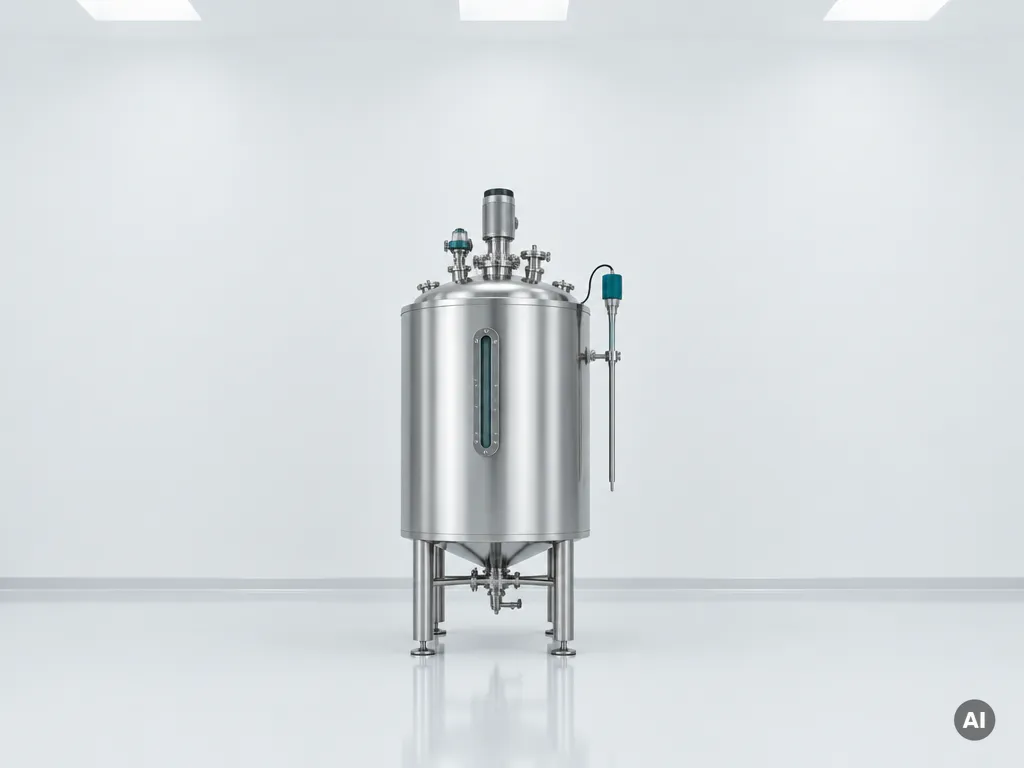
SIMATIC Batch keeps recipes and equipment in two independent layers. The equipment layer holds the plant’s units and phases, such as a reactor and its “heat” or “dose” functions. The recipe layer defines the sequence and parameters that call those functions. Changing a recipe does not require changing the control code.
In practice, engineers build the equipment phases once, test them thoroughly, and then let process or production staff assemble and adjust recipes from those building blocks. A recipe might say “charge 500 kg of component A, heat to 80 °C, hold for 30 minutes,” while the plant’s phases decide how valves, pumps and heaters actually do that.
This split brings clear advantages:
- Flexibility: new product variants can be created by editing recipes rather than rewriting PLC logic.
- Reuse: the same recipe can run on different units that offer the same capabilities.
- Safety and quality: validated equipment logic stays untouched when recipes change.
How does SIMATIC Batch relate to ISA-88 and PCS 7?
SIMATIC Batch is the batch engine of Siemens PCS 7 and follows the ISA-88 (IEC 61512) standard for batch control. It implements ISA-88’s models for physical equipment, procedures and recipes inside the PCS 7 process control system, so batch logic runs alongside the plant’s regulatory control.
ISA-88 gives the industry a shared vocabulary. It describes a recipe as a hierarchy of procedures, unit procedures, operations and phases, and it defines the plant as a hierarchy of process cells, units, equipment modules and control modules. SIMATIC Batch maps directly onto these concepts, which helps engineers, operators and quality teams talk about the same process in the same terms.
Because it is integrated into PCS 7, SIMATIC Batch shares the same engineering environment, operator stations and archiving as the rest of the process automation. Operators use familiar faceplates and views to control batches, and recipe steps trigger the same plant functions that continuous control uses.
What’s the difference between batch and continuous process control?
Batch control produces a defined quantity of product in discrete runs, each following a recipe with a start and an end. Continuous control keeps materials flowing steadily through the plant and holds process values stable around a setpoint. Batch emphasizes sequence and traceability; continuous emphasizes stability and throughput.
Batch process control
A batch process moves through ordered steps: charging, mixing, reacting, heating, cooling, discharging, cleaning. The same equipment often makes different products in turn, so the control system must manage changing recipes, material tracking and record keeping for every lot. Typical examples include specialty chemicals, sauces, and cosmetics.
Continuous process control
A continuous process runs around the clock with steady inputs and outputs, such as in refining or bulk chemicals. The focus is on regulatory control loops, optimal operating points and minimal disturbances. Product changes are rare and usually involve gradual transitions rather than discrete runs.
Many plants combine both. A batch recipe may sit on top of continuous loops, for instance a temperature controller that the batch sequence sets and releases. PCS 7 with SIMATIC Batch handles this hybrid reality in one system.
What problems does batch automation solve on the plant floor?
Batch automation removes manual variation, shortens changeovers and creates a complete record of every batch. Instead of operators following paper instructions and making judgment calls, the system executes the recipe the same way every time and logs what happened, which improves quality, throughput and compliance.
Common problems that automated batch control addresses include:
- Inconsistent quality: repeatable recipe execution reduces batch-to-batch differences.
- Slow changeovers: switching products means loading a different recipe, not reconfiguring the plant.
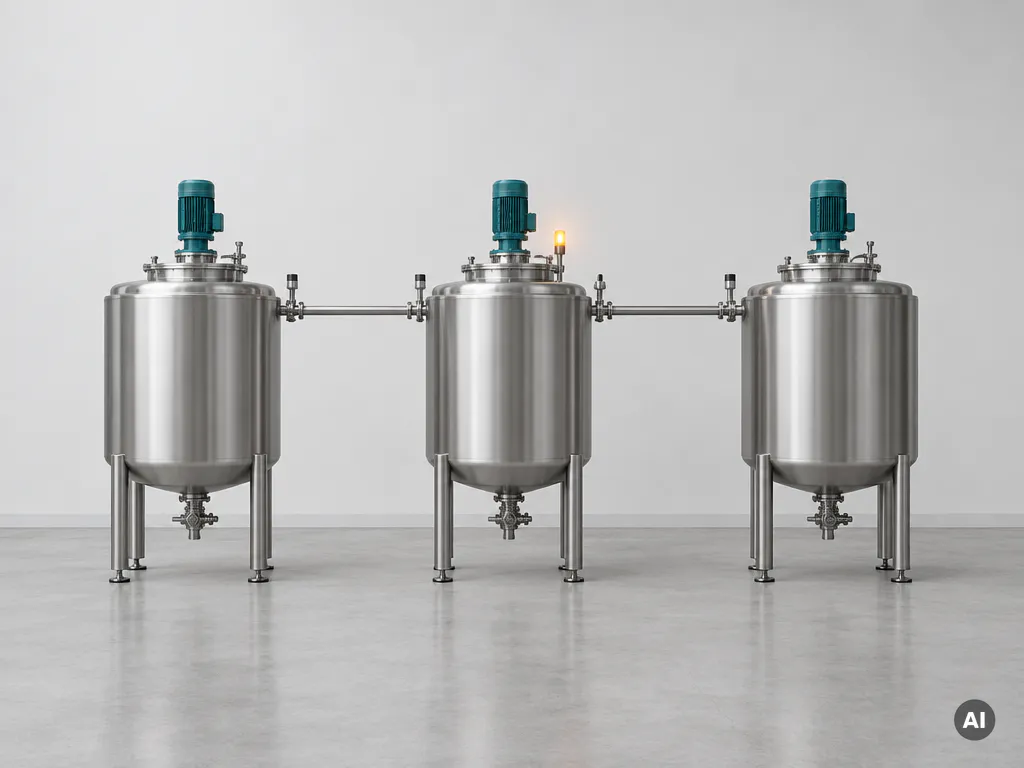
- Poor equipment utilization: automatic allocation of units helps keep shared equipment busy and avoids conflicts.
- Manual documentation: batch reports, events and deviations are recorded automatically.
- Operator dependence: know-how lives in the recipe rather than in a few experienced people.
- Traceability gaps: material quantities, parameters and timestamps are tied to each lot.
For plant managers, the effect shows up as fewer rejected batches, less downtime between runs and faster answers when a customer or auditor asks what went into a specific lot.
Can SIMATIC Batch connect to MES and reporting systems?
Yes. SIMATIC Batch can exchange data with MES, ERP and reporting systems through its available interfaces, so orders can flow down to the plant and batch results can flow back up. The challenge is usually not whether it can connect, but how cleanly and maintainably that connection is built.
A typical integration lets a higher-level system create or schedule batches, release them for execution, and receive status, events and results as production progresses. Reporting tools can then use this data for batch records, dashboards and performance analysis.
Traditional integrations rely on the SIMATIC Batch COM interface and DCOM communication, which can be complex to maintain and awkward from a security standpoint. Modern approaches place an API layer between the batch system and the outside world, so MES, ERP, cloud and web applications talk to SIMATIC Batch in a standardized way. One example is Smart Batch Connect. Buffering of events also helps ensure that no production information is lost during a short connection interruption.
When is it worth upgrading to automated batch control?
It is worth upgrading when manual or hard-coded batch handling starts limiting quality, flexibility or compliance. If you run many recipes on shared equipment, struggle with changeover time, or must prove exactly how each lot was made, automated batch control usually pays for itself through better consistency and less rework.
Consider an upgrade or a first implementation if several of these signs apply:
- Product variants and recipe changes are increasing.
- Operators rely on paper instructions or tribal knowledge.
- Batch records are assembled by hand and take hours to compile.
- Changing a recipe means editing PLC code and retesting.
- Your MES or ERP cannot exchange data cleanly with the plant.
- Auditors or customers ask for detailed traceability you cannot easily provide.
Existing PCS 7 users are often in a good position, because SIMATIC Batch builds on the platform they already operate. A short assessment of current recipes, equipment structure and interfaces will show where the biggest gains sit. If you would like help with that assessment, you can contact our team.
How SIMATIC Batch integration helps with batch production
Running batches well is only half the job; the other half is connecting them to the rest of your business. We help plants get that right. As a Siemens PCS 7 specialist, we developed Smart Batch Connect, an integration layer that gives MES, ERP, MOM, cloud and web applications modern access to SIMATIC Batch without relying on legacy COM and DCOM links.
Here is what that means in practice:
- Standardized APIs: REST-based access to SIMATIC Batch functions, so external systems can create, schedule and follow batches.
- Reliable event handling: a message broker queues batch events, which helps prevent data loss during temporary connection problems.
- Multiple clients: several applications can talk to SIMATIC Batch at the same time.
- Mock mode: teams can develop and test integrations without a live batch installation.
- Simpler architecture: fewer custom point-to-point links to build and maintain.
Beyond the software, our engineers support you across the full project lifecycle, from consultancy and engineering to maintenance and 24/7 support, with one point of contact for your Siemens automation needs. Want to connect your batch production to your MES or ERP in 2026? Get in touch with us and we will look at your situation together.
Frequently Asked Questions
How do I get started with SIMATIC Batch if I already run PCS 7?
Start with a short assessment of your existing plant: document your units, equipment modules and the phases they need to offer, then list the recipes you run today. Build and test the equipment phases once in the PCS 7 engineering environment, following the ISA-88 hierarchy, and then create a pilot recipe on a single unit before rolling out to the rest of the plant. Make sure the SIMATIC Batch server, licenses and operator stations are sized for the number of batches and units you plan to run.
What are the most common mistakes when designing equipment phases and recipes?
The most frequent mistake is building phases that are too specific to one product, which defeats reuse across recipes and units. Another is putting recipe logic (such as product-specific setpoints or sequences) inside the PLC code instead of in the recipe parameters. Aim for generic, well-parameterized phases such as ‘heat’, ‘dose’ and ‘hold’, agree on naming conventions early, and validate each phase thoroughly before recipe authors start using it.
What should I do if my MES or ERP loses connection to SIMATIC Batch during production?
Batches keep running on the PCS 7 side, because execution does not depend on the higher-level system. The risk is losing status events and results during the outage. Using an integration layer with event buffering, such as a message broker that queues batch events, lets the external system catch up once the connection is restored, so no production data is lost.
How do I avoid the security and maintenance issues of COM/DCOM integrations?
Avoid building new point-to-point links directly on the SIMATIC Batch COM interface and DCOM. Instead, place a standardized API layer, for example a REST-based interface, between SIMATIC Batch and your MES, ERP, cloud or web applications. This reduces the number of open DCOM ports, centralizes access control and makes the integration easier to document, monitor and update.
Can I develop and test a batch integration without access to a live SIMATIC Batch system?
Yes, if your integration layer supports a mock or simulation mode. This lets developers build and test order creation, scheduling and event handling against simulated batch data without risking a production system or waiting for plant downtime. Once the integration behaves as expected, you switch to the real SIMATIC Batch installation for final acceptance testing.
Can SIMATIC Batch help with regulatory compliance and audits?
Yes. Because every batch records material quantities, parameters, operator actions, events and timestamps automatically, you can produce batch records and answer traceability questions quickly instead of compiling paperwork by hand. For regulated industries, you should still validate the system according to your own quality procedures and make sure recipe changes follow a controlled approval process.
Can multiple recipes run at the same time on shared equipment?
Yes, SIMATIC Batch can run several batches in parallel and automatically allocates units based on the capabilities and availability defined in the equipment layer. To avoid conflicts and bottlenecks, define clear equipment requirements in each recipe and review unit allocation strategies, such as which unit is preferred when several qualify. Reviewing batch schedules regularly helps you spot units that are over- or under-used.