
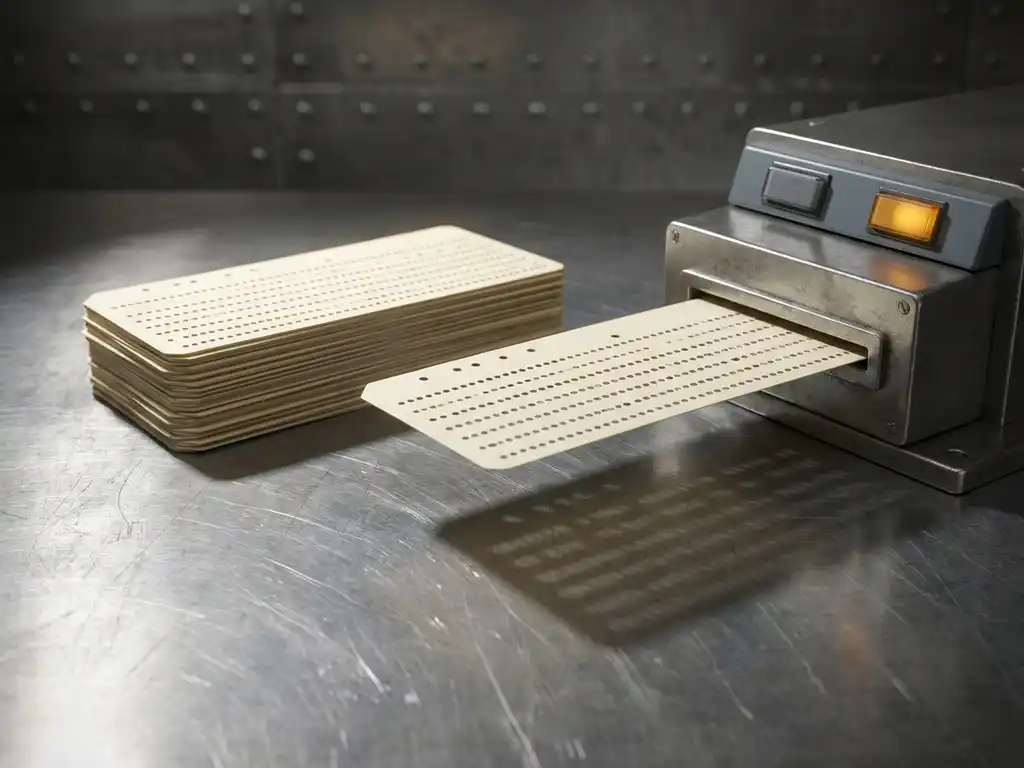
A classic example of a batch operating system is IBM’s early mainframe OS/360, which processed payroll calculations, bank transactions, and scientific computations in large, unattended job queues. Batch operating systems collect groups of similar tasks and execute them sequentially without user interaction, making them highly efficient for repetitive, high-volume workloads. This article unpacks how batch processing works, where it is still used today, and how it compares to other operating system types.
What are some real-world examples of batch operating systems?
Real-world examples of batch operating systems include IBM OS/360, early UNIX batch schedulers, and modern job scheduling systems like IBM z/OS used in banking and insurance. These systems process large volumes of similar jobs in sequence, without requiring a user to be present during execution. Payroll processing, utility bill generation, and end-of-day bank reconciliations are all driven by batch control principles.
Some of the most recognizable examples include:
- IBM z/OS: Still widely used in banking and financial institutions to run nightly transaction processing and reporting jobs
- UNIX cron jobs: Scheduled scripts that automate repetitive system tasks at defined intervals
- SAP batch processing: Used in enterprise environments to run large data migrations and financial closing routines overnight
- Manufacturing execution systems (MES): Process production orders and quality reports in defined batches across shift changes
- Hadoop MapReduce: A modern distributed batch processing framework used for big data analytics
What these systems share is a common design philosophy: gather similar jobs, process them together, and return results when complete. This approach minimizes idle CPU time and maximizes throughput for high-volume tasks.
How does a batch operating system process jobs?
A batch operating system processes jobs by collecting them into a queue, grouping similar tasks together, and executing them sequentially without user interaction. The operating system uses a job scheduler to determine the order of execution based on priority, resource requirements, or submission time. Once a job is submitted, it runs to completion before the next one begins.
The typical flow of batch job processing follows these stages:
- Job submission: Users or automated systems submit jobs along with input data and instructions
- Job queuing: The operating system places jobs in a queue, often sorting them by type or priority
- Batch grouping: Similar jobs are grouped together to reduce setup overhead and improve efficiency
- Execution: The job scheduler allocates CPU and memory resources and runs each job sequentially
- Output delivery: Results are stored or printed once the job completes, ready for the user to review later
Modern batch systems often run in parallel across multiple processors or distributed nodes, dramatically increasing throughput while preserving the core batch control logic. The key characteristic that defines batch processing remains the same: no real-time user interaction during job execution.
What industries still use batch processing systems today?
Batch processing systems remain in active use across banking, manufacturing, healthcare, retail, and energy in 2026. Any industry that generates large volumes of repetitive, data-heavy tasks benefits from batch control because it processes those tasks more efficiently than interactive or real-time systems can at scale.
Industries where batch operating systems are especially prominent include:
- Banking and finance: Nightly account reconciliations, interest calculations, and fraud detection sweeps
- Manufacturing: Production scheduling, inventory updates, and quality control reporting between shifts
- Healthcare: Insurance claims processing, patient record updates, and lab result batch uploads
- Retail and e-commerce: Overnight inventory synchronization, sales reporting, and loyalty point calculations
- Energy and utilities: Meter reading aggregation, billing runs, and grid load analysis
- Chemical and process industries: Recipe-driven production runs where batch control governs each phase of a manufacturing process
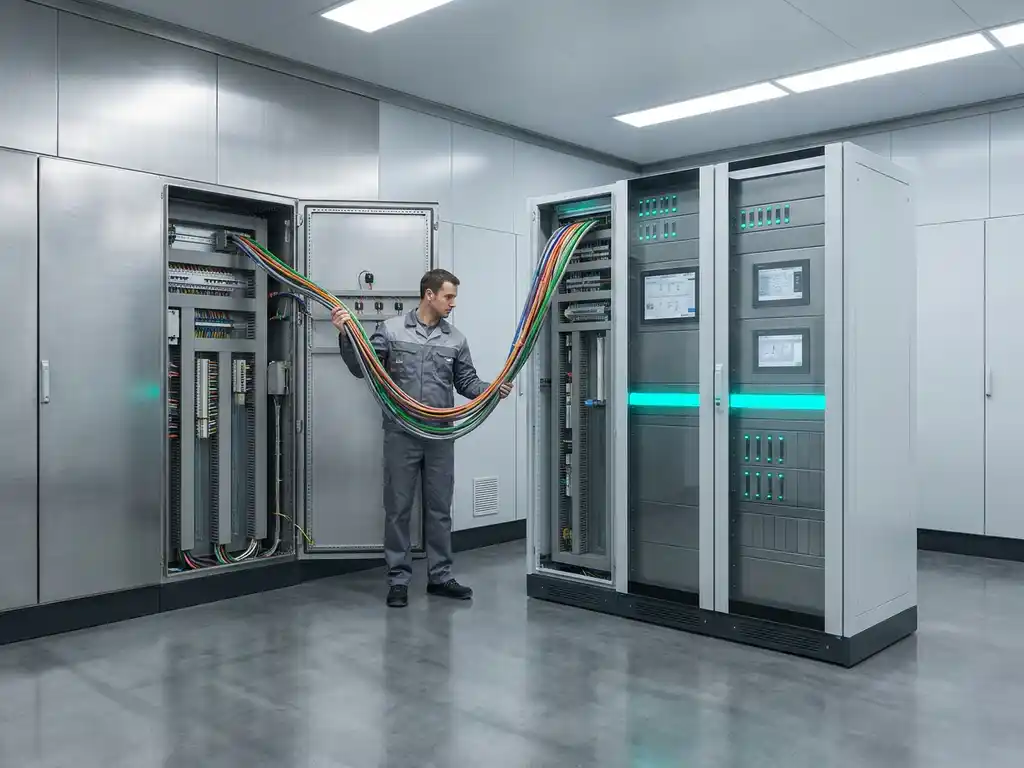
In process industries such as chemical manufacturing and food production, batch control is not just an IT concept but a physical production method. Systems like Siemens SIMATIC PCS 7 govern these real-world batch production processes, managing everything from ingredient dosing to temperature control within each production batch.
What’s the difference between batch, real-time, and interactive operating systems?
The key difference is timing and user involvement. Batch operating systems process jobs in groups without user interaction and deliver results after completion. Real-time operating systems respond to inputs within strict time constraints, often in milliseconds. Interactive operating systems engage directly with users, processing commands as they are entered and returning immediate responses.
Batch operating systems
Batch systems prioritize throughput over responsiveness. Jobs are queued, grouped, and executed without a user present. This makes them ideal for tasks where speed of individual response does not matter, but volume and efficiency do. Payroll runs and bank statement generation are typical use cases.
Real-time operating systems
Real-time operating systems guarantee a response within a defined time window. They are used in safety-critical environments such as industrial process control, medical devices, and aviation systems. Missing a deadline in a real-time system can have serious consequences, which is why they are designed with deterministic scheduling. In industrial automation, real-time control systems manage continuous processes where millisecond-level precision is essential.
Interactive operating systems
Interactive systems, like the Windows or Linux desktops most users know, respond to user input immediately. They balance multiple tasks and prioritize the one the user is currently working on. Response time is optimized for human perception rather than raw throughput. These systems are designed for flexibility and user experience rather than large-scale unattended processing.
What are the advantages and disadvantages of batch operating systems?
Batch operating systems offer significant advantages in efficiency and resource utilization but come with notable limitations around responsiveness and error visibility. Understanding both sides helps organizations decide when batch control is the right approach and when another processing model is more appropriate.
Advantages of batch operating systems
- High throughput: Processing large volumes of similar jobs in sequence maximizes CPU utilization and minimizes idle time
- Reduced operator workload: Once jobs are submitted, the system runs unattended, freeing staff for other tasks
- Predictable scheduling: Jobs can be scheduled during off-peak hours, reducing load on systems during business hours
- Cost efficiency: Shared computing resources are used more effectively when jobs are batched together
- Repeatability: Batch processes follow defined instructions consistently, reducing the risk of human error in repetitive tasks
Disadvantages of batch operating systems
- No real-time feedback: Users cannot interact with a job once it has started, making it difficult to correct errors mid-execution
- Delayed results: Output is only available after the entire batch completes, which can be hours later
- Debugging complexity: When a job fails, identifying the cause requires reviewing logs rather than observing the process in action
- Inflexibility: Changing job parameters after submission often requires canceling and resubmitting the entire batch
- Not suitable for time-sensitive tasks: Any process that requires immediate response cannot rely on batch processing alone
How CoNet helps with batch control in industrial environments
In industrial manufacturing, batch control goes far beyond IT scheduling. It governs the physical production of products: managing ingredient additions, process steps, temperatures, pressures, and quality checkpoints across every production run. Getting this right requires deep expertise in both process automation and the systems that drive it.
At CoNet, we specialize in Siemens PCS 7-based batch control solutions for process industries including chemical, food and beverage, and oil and gas. Our batch control and automation services cover the full lifecycle of batch automation:
- Batch strategy design: We help define your batch recipes, phases, and control logic to match your production requirements
- PCS 7 Batch implementation: We engineer and configure Siemens SIMATIC Batch solutions that integrate seamlessly with your existing PCS 7 environment
- Process IT integration: Through our Process IT solutions, we connect your batch systems to cloud platforms and enterprise applications, turning production data into actionable insights using machine learning and IoT technologies
- Validation and compliance support: For regulated industries, we support the documentation and validation processes required for GMP and other standards
- Ongoing support and optimization: We provide maintenance, troubleshooting, and continuous improvement support to keep your batch processes running at peak performance
Whether you are implementing batch control for the first time or looking to modernize an existing system, we bring the engineering depth and Siemens expertise to make it work. Get in touch with our team to discuss how we can improve your batch production processes.
Frequently Asked Questions
Can batch processing and real-time processing be used together in the same system?
Yes, and this hybrid approach is increasingly common in modern industrial and enterprise environments. Many organizations use real-time systems to capture and respond to live data while batch processing handles the heavy-volume analysis and reporting in the background. For example, a manufacturing plant might use real-time control for live process monitoring while batch jobs run overnight to generate production reports, quality summaries, and inventory updates. This combination lets businesses get the best of both worlds: immediate responsiveness where it matters and efficient high-volume processing where speed is less critical.
What happens if a job fails midway through a batch process?
When a job fails mid-batch, the system typically logs the error, halts that specific job, and either skips to the next queued job or stops the entire batch depending on how the scheduler is configured. Recovery depends on whether the batch system supports checkpointing, which allows the process to resume from the last successful step rather than restarting from scratch. In industrial batch control systems like Siemens SIMATIC Batch, failure handling is built into the recipe logic, with defined abort routines and hold states to ensure the process fails safely. This is why thorough error handling and log monitoring are critical parts of any batch system design.
How do I know if my manufacturing process is a good candidate for batch control automation?
A process is well-suited for batch control automation if it involves repeatable, recipe-driven production steps, defined start and end points for each production run, and consistent quality checkpoints between phases. Industries like chemical manufacturing, food and beverage, and pharmaceuticals are classic candidates because their processes follow structured sequences of ingredient additions, mixing, heating, and testing. If your team currently manages these steps manually or through disconnected systems, batch control automation can significantly reduce variability, improve traceability, and free operators from routine monitoring tasks. A good starting point is mapping out your existing production steps and identifying where manual intervention is most frequent or error-prone.
What is the role of batch recipes in industrial batch control systems?
Batch recipes are the core instruction sets that define exactly how a product should be made, specifying the sequence of operations, ingredient quantities, process parameters like temperature and pressure, timing, and quality checks for each production run. In systems like Siemens SIMATIC Batch, recipes follow the ISA-88 standard, which separates the recipe logic from the physical equipment so the same recipe can be executed on different production lines without reprogramming. This separation makes it easier to scale production, introduce new products, and maintain regulatory compliance. Well-structured recipes also serve as the foundation for traceability, since every executed batch is logged against the recipe version that governed it.
What compliance or validation requirements should I be aware of when implementing batch control in regulated industries?
In regulated industries such as pharmaceuticals, food and beverage, and fine chemicals, batch control systems must meet standards like FDA 21 CFR Part 11 for electronic records, GMP (Good Manufacturing Practice) guidelines, and in some cases GAMP 5 for computerized system validation. These requirements mandate that batch records are complete, accurate, and tamper-evident, and that the software controlling the process has been formally validated before use in production. This typically involves creating validation documentation such as User Requirements Specifications (URS), Functional Specifications, and Validation Protocols, followed by Installation, Operational, and Performance Qualification (IQ/OQ/PQ) testing. Engaging an automation partner with direct experience in validated environments can significantly reduce the time and risk involved in this process.
How does connecting a batch control system to cloud or enterprise platforms add value?
Integrating batch control systems with cloud platforms and enterprise applications like ERP or MES unlocks the production data that would otherwise stay siloed within the control system. This connection enables real-time visibility into batch performance, automatic transfer of production records to business systems, and the application of analytics or machine learning to identify inefficiencies, predict failures, or optimize recipe parameters over time. For example, connecting Siemens PCS 7 Batch to a cloud analytics platform allows engineers to compare batch-to-batch performance trends and quickly identify which process variables correlate with quality deviations. The result is a smarter, more responsive production operation that continuously improves rather than simply repeating the same steps.
What is the ISA-88 standard and why does it matter for batch control?
ISA-88 (also known as S88) is the international standard that defines a consistent framework for designing and implementing batch control systems, covering everything from how recipes are structured to how physical equipment is modeled. Its most important contribution is the separation of the recipe from the equipment, meaning the production instructions are defined independently of the specific machines that execute them, making systems more flexible and easier to maintain. Following ISA-88 also makes it significantly easier to communicate between engineering teams, automation vendors, and enterprise systems because everyone is working from a common language and structure. Most modern batch automation platforms, including Siemens SIMATIC Batch, are built around ISA-88 principles, so understanding the standard helps teams get more out of their systems and avoid costly structural mistakes during implementation.