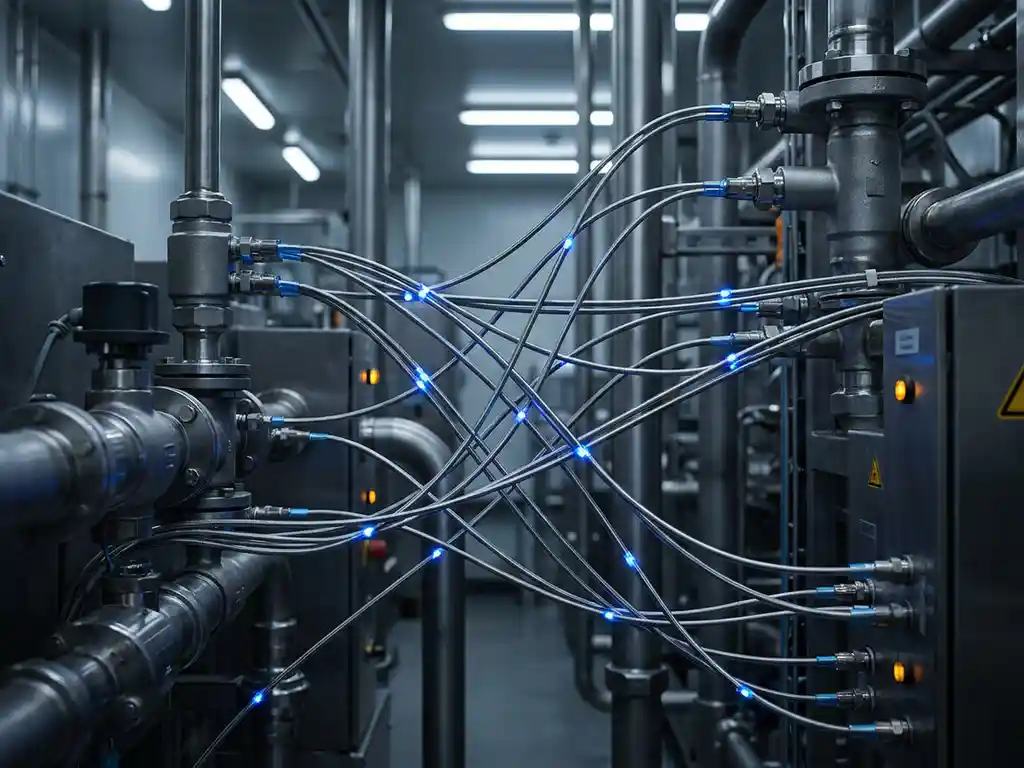


Plant software updates are essential maintenance procedures that modify or upgrade the software systems controlling industrial automation equipment. These updates include security patches, feature enhancements, and bug fixes that keep your manufacturing processes running safely and efficiently. Proper plant care through systematic updates ensures operational reliability, regulatory compliance, and optimal system performance.
What are plant software updates and why are they critical for industrial operations?
Plant software updates are systematic modifications to the programming and applications that control industrial automation systems, including process control software, human-machine interfaces, and safety systems. These updates encompass security patches that protect against cyber threats, feature updates that add new functionality, and bug fixes that resolve operational issues.
The critical importance of these updates cannot be overstated in industrial environments. Security patches protect your plant from increasingly sophisticated cyberattacks that could halt production or compromise safety systems. Feature updates often include improvements to energy efficiency, process optimization, and integration capabilities that directly impact your bottom line.
Regular updates maintain system reliability by addressing known issues before they cause unexpected downtime. They also ensure compliance with evolving industry standards and regulations, particularly in sectors such as pharmaceuticals, food processing, and chemical manufacturing, where regulatory requirements frequently change.
How do you plan and prepare for plant software updates safely?
Comprehensive planning begins with a thorough risk assessment, identifying which systems are critical to production and which updates can be postponed if necessary. Create detailed backup procedures for all system configurations, programming, and historical data before making any changes.
Documentation requirements include maintaining current system inventories, update histories, and detailed rollback procedures. Schedule updates during planned maintenance windows or low-production periods to minimize operational impact. Coordinate with all relevant teams, including operations, maintenance, IT, and management, to ensure everyone understands their role.
Develop clear rollback plans that specify exactly how to return systems to their previous state if problems occur. This includes having backup hardware available and tested procedures for rapid system recovery. Proper plant care includes ensuring all team members are trained in emergency procedures and communication protocols.
What’s the difference between online and offline software update methods?
Online updates are performed while systems continue operating, allowing production to continue during the update process. Offline updates require complete system shutdown, stopping production entirely during the update procedure.
Online updates work best for non-critical system components, routine security patches, and systems with built-in redundancy. They are ideal when continuous production is essential and the updates do not affect core control functions. However, they carry higher risk if something goes wrong during the update process.
Offline updates are necessary for critical control system modifications, major version upgrades, and safety system changes. While they require production downtime, they provide a controlled environment with minimal risk of disrupting ongoing operations. Use offline methods when updating primary controllers, safety instrumented systems, or making significant configuration changes.
The choice depends on your specific industrial application, production schedule flexibility, and risk tolerance. Critical manufacturing processes typically require offline updates, while support systems may accommodate online updating.
How do you test plant software updates before full implementation?
Testing methodologies should include sandbox environments that replicate your production systems without affecting actual operations. Create simulation environments where you can test updates against typical operating scenarios and edge cases that might occur during normal production.
Implement phased rollout approaches, starting with non-critical systems before moving to essential production equipment. This allows you to identify potential issues on less important systems first. Establish validation procedures that verify that all system functions work correctly after updates.
Performance monitoring during test phases should track system response times, memory usage, and communication reliability. Document any changes in system behavior, even if they seem minor. Verification protocols must confirm that safety systems, interlocks, and emergency procedures function exactly as intended.
Proper plant care includes testing backup and recovery procedures as part of the update validation process. Ensure that your rollback procedures work correctly and that data integrity is maintained throughout the testing process.
What are the most common challenges when updating industrial automation software?
Compatibility issues frequently arise when newer software versions do not work properly with existing hardware or other software components. Legacy system integration presents particular challenges, as older equipment may not support current software versions or communication protocols.
Unexpected downtime can occur when updates take longer than planned or encounter unforeseen problems. Version conflicts between different software components can create system instability or communication failures. Operator training requirements often extend project timelines, as staff need time to learn new interfaces or procedures.
Practical solutions include maintaining detailed compatibility matrices for all system components and testing updates in isolated environments first. Develop relationships with equipment vendors who can provide guidance on legacy system integration. Build buffer time into update schedules to accommodate unexpected complications.
Address training requirements early by identifying interface changes and developing training materials before implementation. Consider phased training approaches that allow operators to become familiar with changes gradually rather than all at once.
How CoNet helps with plant software updates
We specialize in managing plant software updates with minimal production disruption through our comprehensive approach to industrial automation maintenance. Our expertise with Siemens PCS 7 systems ensures that updates are planned, tested, and implemented according to best practices specific to your control system architecture.
Our plant software update services include:
- Thorough pre-update risk assessment and planning
- Complete system backup and recovery procedures
- Sandbox testing environments for safe update validation
- 24/7 support during critical update implementations
- Comprehensive rollback procedures and emergency response
- Operator training on new system features and interfaces
We understand that proper plant care requires balancing the need for current, secure software with the reality of continuous production demands. Our team works with your schedule to minimize downtime while ensuring all updates are thoroughly tested and validated.
Ready to ensure your plant software updates are handled professionally and safely? Contact us to discuss how our specialized approach can keep your systems current while protecting your production schedule.