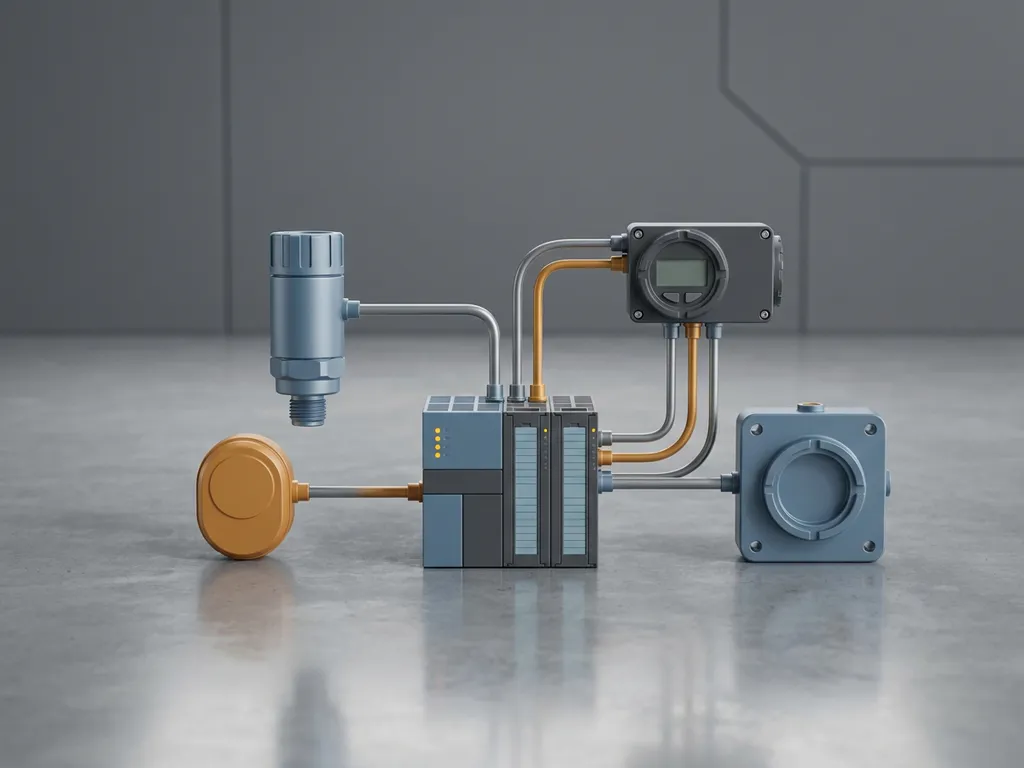

To validate a PLC program after a software update, you need to systematically verify that every modified function behaves exactly as intended under real and simulated operating conditions. This means running a structured series of tests, comparing outputs against documented requirements, and obtaining formal sign-off before returning the system to live operation. The sections below walk through each stage of the PLC validation process in detail.
What steps are involved in PLC program validation?
PLC program validation is the structured process of confirming that a PLC software update has not introduced errors, unintended behaviour, or safety risks. It covers everything from reviewing the updated code against specifications to running controlled tests and capturing formal approval records before the system goes back online.
A reliable PLC validation process typically follows these steps:
- Review the change documentation. Before any testing begins, compare the updated program against the change request or engineering specification. Every modification should be traceable to a defined requirement.
- Perform a code review. A qualified engineer checks the updated logic for syntax errors, unintended cross-references, and deviations from the original functional design.
- Run offline simulation. Test the modified logic in a simulated environment to catch faults before connecting to real hardware.
- Execute structured hardware tests. Connect to the actual PLC hardware and verify input/output behaviour, interlocks, alarms, and safety functions.
- Conduct a Factory Acceptance Test (FAT) where applicable. Formal acceptance testing with the client present confirms the system meets contractual and functional requirements.
- Document and approve results. Record all test outcomes, deviations, and corrective actions, then obtain formal sign-off from the responsible engineer and, where required, the end client.
Skipping or compressing any of these steps increases the risk of a fault reaching live production, which in process-critical environments can have serious safety or operational consequences.
What types of tests should be run after a PLC software update?
After a PLC software update, you should run a combination of regression tests, functional tests, and safety integrity tests. Regression testing confirms that previously working functions still operate correctly. Functional testing verifies that the new or changed logic performs as specified. Safety tests confirm that protective functions, such as emergency shutdowns and interlocks, remain intact.
In practice, the test suite typically includes:
- Input/output loop checks: Verify that each physical signal is correctly read and acted upon by the updated program.
- Interlock and permissive testing: Confirm that process interlocks prevent unsafe conditions and that permissive logic only allows operations when all conditions are met.
- Alarm and trip testing: Trigger alarm conditions deliberately to verify that the correct responses fire at the correct setpoints.
- Boundary and edge-case testing: Test the program at minimum, maximum, and out-of-range values to expose logic errors that only appear at extremes.
- Sequence and batch testing: For sequential control systems, run through each step of the sequence to confirm correct progression and handling of exceptions.
The scope of testing should always be proportional to the extent of the software change. A minor parameter adjustment requires less testing than a fundamental restructuring of control logic, but even small changes in plant automation environments deserve structured verification.
How does simulation help validate a PLC program before going live?
Simulation allows engineers to execute and test updated PLC logic in a virtual environment before it interacts with real plant equipment. This catches programming errors, logic faults, and unintended interactions early in the validation cycle, when corrections are inexpensive and carry no operational risk.
Modern simulation tools can model process behaviour, sensor signals, and actuator responses, allowing the PLC program to run through realistic scenarios without any physical hardware connected. This is particularly valuable for testing failure modes and emergency sequences that would be dangerous or impractical to trigger on a live system.
Simulation also supports parallel development. Engineers can validate updated logic while the plant continues to run, reducing the maintenance window needed for final commissioning. Once simulation testing is complete and all identified issues are resolved, the validated program moves to hardware testing with a much lower risk of finding critical faults late in the process.
For complex systems such as Siemens SIMATIC PCS 7, dedicated simulation environments allow full process models to be connected to the control logic, enabling end-to-end PLC program verification that closely mirrors real operating conditions.
What is a Factory Acceptance Test and when is it required?
A Factory Acceptance Test (FAT) is a formal, witnessed test carried out before a PLC system or updated program is delivered to or deployed at the customer’s site. It is required when a software update is significant enough to warrant client sign-off, when contractual obligations specify it, or when the system is subject to regulatory or functional safety standards.
During a FAT, the client and the engineering team work through a pre-agreed test protocol that covers all critical functions of the updated system. The test is conducted in a controlled environment, typically at the integrator’s facility or in a dedicated test rig, using the actual hardware and software that will be deployed.
What a FAT covers
A FAT protocol typically includes verification of all control sequences, alarm management, safety functions, human-machine interface behaviour, and communication between subsystems. Each test item is checked against the functional specification and the result is recorded as pass, fail, or deviation.
When a FAT is mandatory
In regulated industries such as chemicals, pharmaceuticals, and oil and gas, a FAT is often a contractual or compliance requirement rather than an optional step. Even outside regulated environments, a FAT is strongly advisable when a software update affects safety-critical logic, changes core process sequences, or introduces new functionality that has not previously been tested in a comparable system.
How do you document and approve PLC validation results?
PLC validation results are documented by recording each test case, the expected outcome, the actual outcome, and any deviations or corrective actions taken. Approval is obtained by having the responsible engineer and, where required, the client formally sign the completed test protocol before the updated program is released to production.
Good documentation practice for PLC program verification includes:
- A test specification document that lists every test case, the input conditions, the expected response, and the acceptance criteria.
- A test execution record that captures the actual result of each test, the date, the tester’s name, and any observations.
- A deviation log that records any result that did not meet the acceptance criteria, the root cause identified, the corrective action taken, and the result of the retest.
- A version-controlled copy of the validated program stored alongside the test records so that the exact software version that was tested can always be retrieved.
Formal approval typically involves a sign-off sheet attached to the test protocol. In safety-critical applications, this may require independent review by a functional safety engineer. Keeping validation records in a structured document management system ensures they remain accessible for audits, future updates, and regulatory inspections.
How CoNet helps with PLC program validation
At CoNet, we support industrial companies through every stage of the PLC validation process, from code review and simulation to formal FAT execution and documentation. As a Siemens specialist with decades of hands-on experience across chemicals, food and beverage, oil and gas, and energy, we bring structured validation expertise to both new implementations and software updates of any scale.
When you work with us on a PLC software update, you can expect:
- Thorough code review and change traceability against your engineering specifications
- Offline simulation using Siemens-native tools to catch faults before hardware testing
- Structured test protocols covering functional, interlock, alarm, and safety testing
- FAT execution with formal documentation and client sign-off support
- Version-controlled validation records that meet audit and compliance requirements
Whether you need support for a single update or a full validation programme, we are ready to help. Contact us to discuss your PLC validation requirements with our team.