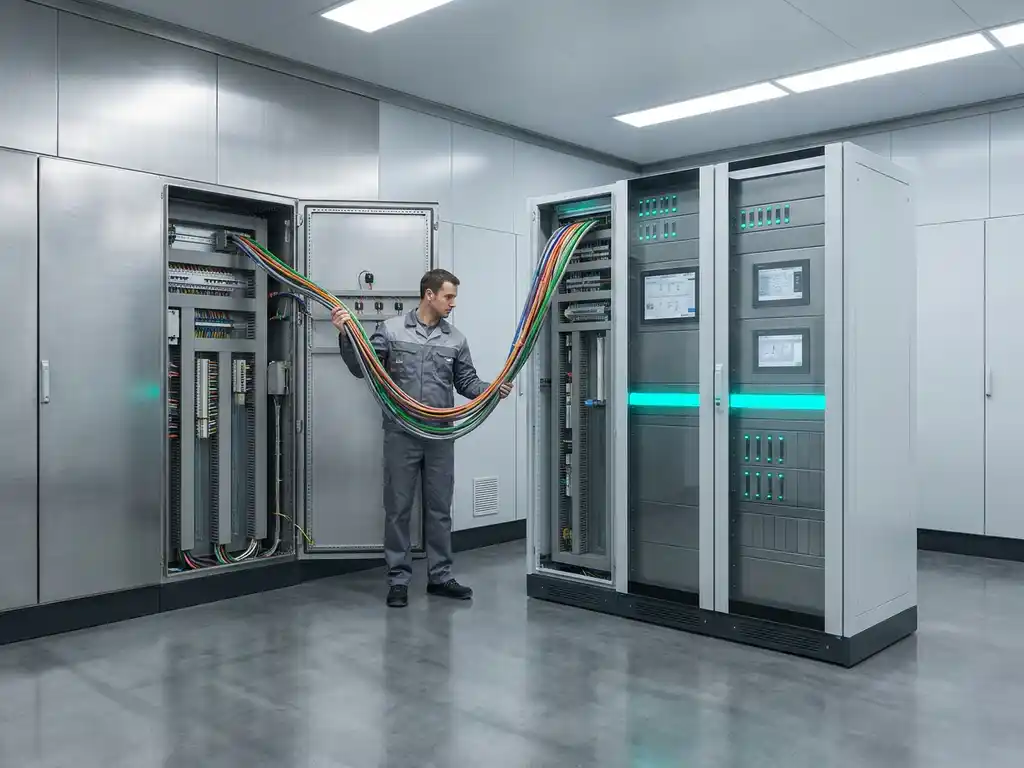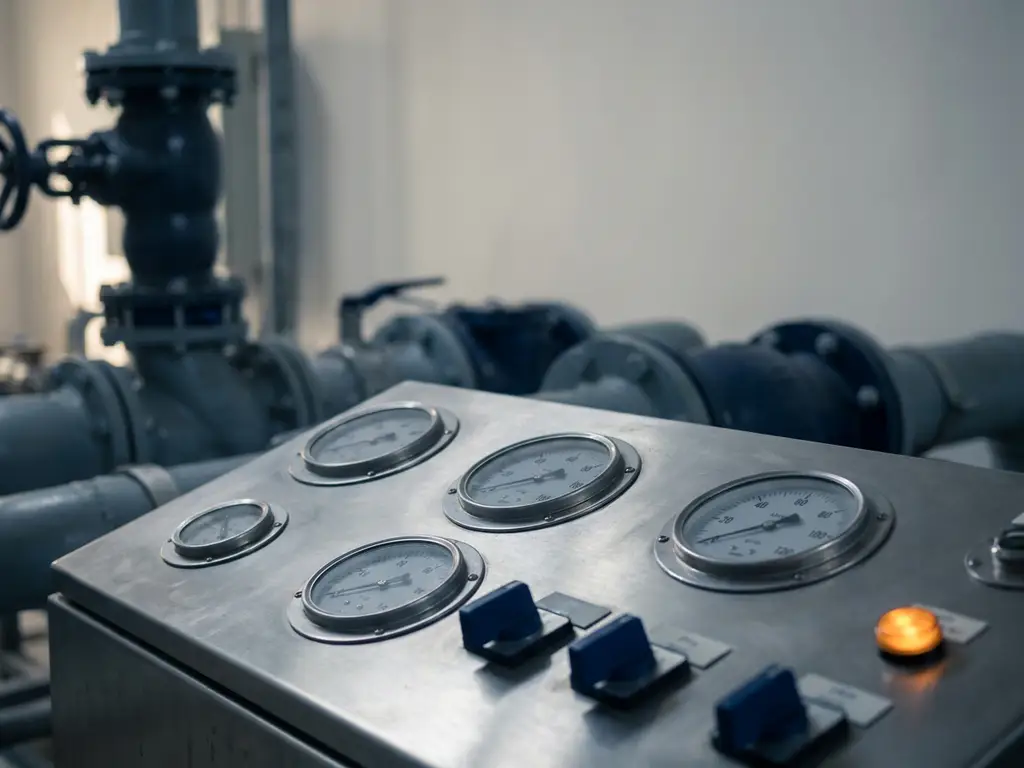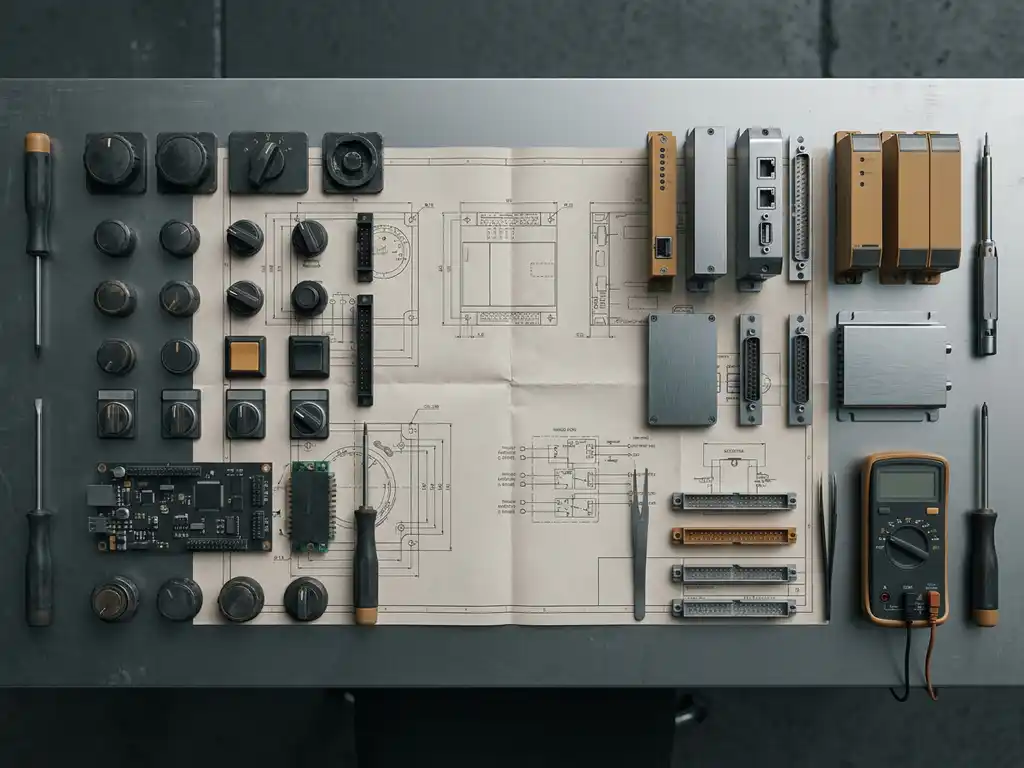

Yes, a PLC can absolutely operate without a dedicated programming terminal connected to it. Once a program has been loaded into the PLC’s memory, the controller runs that program independently and continuously, with no ongoing connection to a computer or programming device required. The programming terminal is only needed during initial configuration, updates, or troubleshooting.
This is one of the core design principles of programmable logic controllers: they are built to run autonomously in industrial environments, often for years at a time without human intervention. The sections below unpack exactly how that works and what your options are when you do need to interact with the controller.
How does a PLC run once it has been programmed?
Once programmed, a PLC executes its logic independently using an internal processor, stored program memory, and its own power supply. The controller continuously cycles through a scan loop, reading input signals, executing the stored program logic, and updating output signals, all without any external device connected. This autonomous operation is the defining characteristic of a programmable logic controller.
The program itself is stored in non-volatile memory, which means it is retained even when power is removed and restored. When the PLC powers back up, it resumes execution from its stored state without requiring any interaction from a connected computer.
The scan cycle typically runs in milliseconds, making the PLC fast enough to respond to real-time process changes in industrial environments. Inputs from sensors, switches, and instruments are read at the start of each scan, and outputs to actuators, drives, and valves are updated at the end. The programming terminal played its role during the engineering phase. Once the program is validated and downloaded, the terminal’s job is done.
What happens if you disconnect the programming terminal from a PLC?
Disconnecting the programming terminal from a running PLC has no effect on its operation. The PLC continues executing its program exactly as before, because the connection to a programming device is not part of the control loop. The controller does not depend on that connection to maintain its logic or its outputs.
In practice, most PLCs in production environments run for months or years without a programming terminal attached. The communication port used for programming, whether a serial interface, USB connection, or Ethernet port, simply remains idle when not in use. Some controllers even allow you to physically lock or disable that port as a security measure once commissioning is complete.
The only scenario where disconnecting a terminal causes a disruption is if the terminal was actively performing an online operation, such as a live program download or a forced output override, at the moment of disconnection. In those cases, the PLC may flag a communication error, but it will typically fall back to its last valid operating state rather than shutting down.
How can you access or modify a PLC program without a local terminal?
You can access or modify a PLC program remotely using a network connection, provided the PLC has an Ethernet port and the appropriate remote access infrastructure is in place. Engineering software connects over the plant network or a secure VPN, giving engineers full programming and diagnostic access from a different location entirely, with no physical presence at the machine required.
This capability has become standard in modern industrial automation. Platforms like Siemens SIMATIC PCS 7 and TIA Portal support remote engineering connections natively, allowing live diagnostics, online program changes, and data logging from anywhere on the network. Remote access dramatically reduces response times when troubleshooting is needed and eliminates the need to send an engineer on-site for every minor adjustment.
Security is an important consideration here. Remote access to a PLC in a plant automation environment should always be protected by firewalls, role-based access controls, and encrypted connections. An open, unprotected remote access path to a production controller is a significant operational and cybersecurity risk.
What are the alternatives to a dedicated PLC programming terminal?
The main alternatives to a dedicated PLC programming terminal are a standard laptop or PC with engineering software installed, a remote desktop connection to an engineering workstation on the plant network, a panel PC integrated into the control cabinet, and cloud-based or web-enabled access interfaces supported by some modern controllers. Each option removes the need for a permanently attached dedicated device.
In most industrial facilities, engineers use a standard laptop running the relevant programming environment, such as Siemens STEP 7 or TIA Portal, and connect to the PLC only when needed. This is far more practical than maintaining a dedicated terminal at every machine or panel.
Panel PCs and integrated HMIs
In some installations, a panel PC or HMI (Human Machine Interface) is mounted directly on the control cabinet and serves a dual purpose: it provides the operator interface for day-to-day control and can also be used for engineering access when the correct software is installed. This reduces the number of separate devices needed while keeping local access available.
Remote engineering stations
Larger plants often maintain a central engineering workstation in a control room, connected to all PLCs across the facility via the plant network. Engineers access any controller from a single location, which is both more efficient and easier to secure than multiple local terminals scattered across the site.
When does a PLC actually need a programming terminal connected?
A PLC needs a programming terminal connected during initial commissioning, when loading or updating the program, when performing online diagnostics or forced I/O tests, and when troubleshooting faults that require live program monitoring. Outside of these specific activities, a connected terminal is unnecessary for normal operation.
During the engineering and commissioning phase, the terminal is essential. Engineers write the control logic, download it to the controller, test input and output signals, and verify that the program behaves correctly under real process conditions. This phase can involve frequent connections and disconnections as the program is refined.
After commissioning, the most common reason to reconnect a programming device is fault-finding. When a process behaves unexpectedly, engineers use the live diagnostic view in the programming software to monitor signal states, identify logic errors, and trace the root cause. For planned program changes, such as adjusting setpoints or modifying control sequences, a connection is required to upload the new version safely.
Routine operation, including start-up, shutdown, and normal production cycles, requires no programming terminal at all. The PLC handles all of that independently.
How CoNet supports your PLC operation and remote access needs
At CoNet, we support industrial operations across the full lifecycle of PLC-based automation, from initial engineering and commissioning through to long-term maintenance and remote access setup. As a Siemens specialist with decades of hands-on experience in process and plant automation, we understand exactly when a programming terminal is needed and how to ensure your systems are accessible, secure, and reliable when it is not.
Here is what we can help you with specifically:
- Setting up secure remote access to your Siemens PLCs and PCS 7 systems so engineers can connect safely from any location
- Commissioning and testing PLC programs so your controllers are ready to run autonomously after handover
- Configuring network infrastructure that supports remote engineering without exposing your systems to unnecessary risk
- Providing engineering support and online diagnostics when faults occur, reducing the need for on-site visits
- Training your team on best practices for program access, version control, and safe online changes
Whether you are setting up a new installation or looking to modernize how your team accesses existing controllers, we are here to help. Get in touch with us and let us find the right approach for your operation.