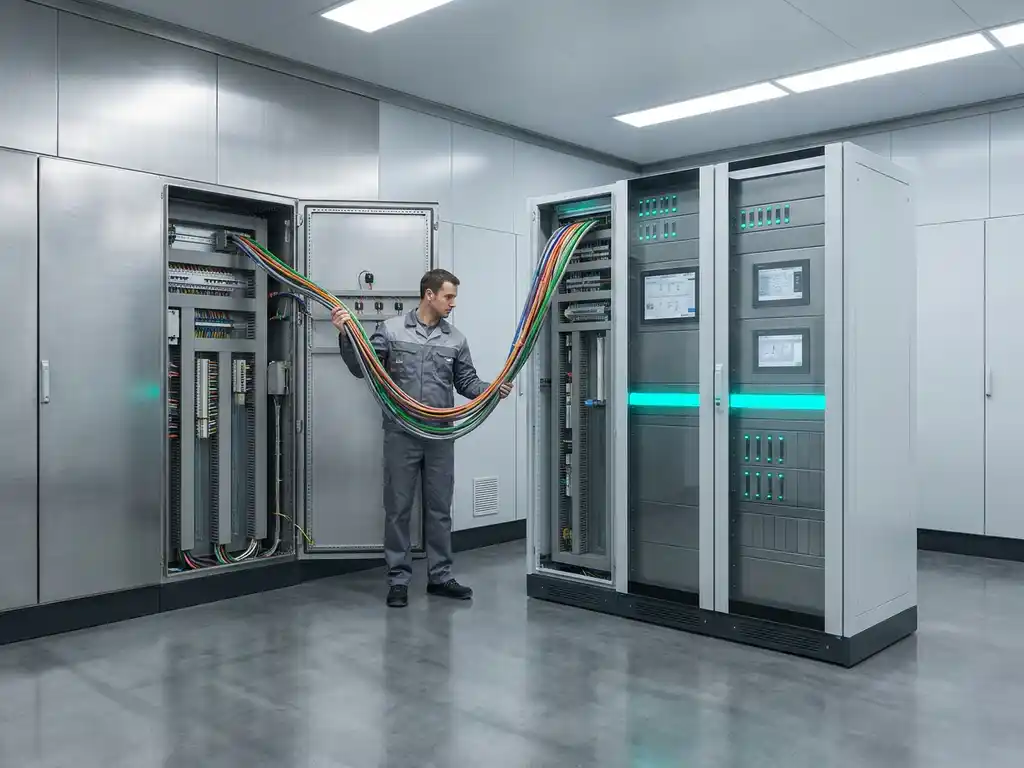

PLC hardware refers to the physical components of a programmable logic controller, such as the CPU, I/O modules, and power supply, while PLC firmware is the low-level software embedded directly into those components that controls how the hardware operates at its most fundamental level. The two work together constantly: hardware provides the physical infrastructure, and firmware defines how that infrastructure behaves. The sections below unpack each concept individually and answer the most common questions engineers and automation professionals ask about them.
How does PLC hardware interact with PLC firmware?
PLC hardware and PLC firmware interact in a tightly coupled relationship where the firmware acts as the bridge between the physical components and any higher-level logic running on the controller. The firmware is stored in non-volatile memory on the hardware itself, and it initialises the hardware at startup, manages communication between modules, and provides the runtime environment in which user programs execute.
Think of the hardware as the body and the firmware as the nervous system. When a PLC powers on, the firmware runs first. It performs self-diagnostics, checks that all connected modules are recognised and functioning, and prepares the scan cycle. Only once the firmware has completed this initialisation does the user program begin executing. Without firmware, the hardware is essentially inert silicon and metal. Without hardware, the firmware has no physical substrate to run on.
This interaction is continuous during normal operation. Every scan cycle, the firmware orchestrates how inputs are read, how the user program is executed, and how outputs are written. It also manages background tasks such as communication handling, watchdog timers, and fault detection, all of which happen below the level of the user program.
What components make up PLC hardware?
PLC hardware consists of the physical components that form the programmable logic controller system. The core elements are the CPU module, I/O modules, power supply, and the backplane or rack that connects them. In more complex systems, additional hardware such as communication modules, safety modules, and remote I/O stations extend the base configuration.
- CPU module: The processing core of the PLC. It executes the user program and runs the firmware. Its processing speed, memory capacity, and communication ports define the overall performance ceiling of the system.
- I/O modules: Digital and analogue input and output modules that connect the PLC to field devices such as sensors, actuators, valves, and motors. They translate real-world signals into data the CPU can process, and vice versa.
- Power supply: Provides regulated voltage to the CPU and I/O modules. A stable power supply is critical for reliable operation and protection against electrical noise.
- Backplane or rack: The physical housing that holds modules in place and provides the internal bus for data exchange between the CPU and I/O modules.
- Communication modules: Enable the PLC to connect to industrial networks such as PROFIBUS, PROFINET, or Ethernet, allowing integration with SCADA systems, HMIs, and other controllers.
In plant automation environments, the hardware configuration is typically engineered to match the specific process requirements, with module selection driven by the number and type of field signals, the required processing speed, and the communication architecture of the facility.
What exactly is PLC firmware, and what does it control?
PLC firmware is the embedded software installed directly onto the hardware by the manufacturer. It sits between the physical components and the user program, controlling fundamental hardware behaviour including scan cycle management, module communication, memory allocation, and system diagnostics. Unlike a user program, firmware is not written by the end user and is not visible in the engineering software during normal programming.
Firmware controls several critical functions that the user program depends on but cannot directly access:
- Hardware initialisation at startup
- Watchdog timer management to detect and respond to processor faults
- Internal bus communication between the CPU and connected modules
- Memory management for program data and system variables
- Handling of redundancy mechanisms in high-availability systems
- Enforcement of safety-related functions in safety-rated controllers
Because firmware operates at such a fundamental level, its version directly affects what features the hardware supports and how reliably it performs. A CPU running outdated firmware may lack support for newer communication protocols or may have unresolved bugs that were corrected in a later release.
Can PLC firmware be updated, and should it be?
Yes, PLC firmware can be updated, and in most cases it should be, but the decision requires careful planning. Firmware updates are released by manufacturers to fix bugs, improve performance, add support for new hardware or protocols, and address security vulnerabilities. However, updating firmware in an operational industrial environment carries risk if not managed correctly.
Before updating firmware, consider the following:
- Compatibility: Confirm that the new firmware version is compatible with your existing hardware revision, user program, and any connected modules or network components.
- Testing: Where possible, test the firmware update on a non-production system or during a planned maintenance window before applying it to live plant equipment.
- Backup: Always back up the current firmware version and user program before proceeding. Most Siemens PLCs allow you to save the current configuration to a memory card or engineering station.
- Release notes: Read the manufacturer’s release notes carefully. They document what has changed, what has been fixed, and any known issues with the new version.
- Downtime planning: Firmware updates typically require a controller restart, which means a process shutdown. Schedule updates during planned downtime to avoid unplanned production loss.
In safety-critical applications, firmware updates may also require re-validation of the safety functions, particularly if the update affects the safety-rated portions of the CPU.
What happens when PLC hardware and firmware are mismatched?
When PLC hardware and firmware are mismatched, the system may fail to start, operate unreliably, or refuse to accept the user program. A mismatch typically occurs when firmware designed for a newer hardware revision is loaded onto an older module, or when hardware is replaced without updating the firmware to a compatible version.
Common symptoms of a hardware-firmware mismatch include:
- The CPU entering fault mode immediately after startup
- Module recognition errors where the CPU cannot identify connected I/O or communication modules
- Unexpected behaviour during program execution, such as incorrect output states or communication failures
- Error codes in the diagnostics buffer pointing to hardware configuration conflicts
In Siemens PCS 7 and SIMATIC environments, hardware and firmware compatibility is documented in the product information sheets and the TIA Portal compatibility tool. Checking these resources before replacing hardware or applying firmware updates prevents the majority of mismatch issues. When a mismatch does occur, the most reliable resolution is to align the firmware version to the specific hardware revision as specified by the manufacturer.
How is PLC firmware different from a PLC program?
PLC firmware and a PLC program are fundamentally different in origin, purpose, and who controls them. Firmware is written by the hardware manufacturer and embedded into the controller to manage hardware-level operations. A PLC program is written by the automation engineer to implement the specific process logic for a given application. The firmware runs beneath the user program and cannot be modified through the standard engineering environment.
Firmware: manufacturer-controlled, hardware-level
Firmware is delivered with the hardware and updated only through official manufacturer releases. It defines what the hardware is capable of and how it behaves at a system level. Engineers do not write firmware, and they cannot alter its logic. Their interaction with firmware is limited to updating it when a new version is released or checking its version for compatibility purposes.
PLC program: engineer-controlled, application-level
A PLC program is the application logic that engineers write using tools such as Siemens TIA Portal or SIMATIC Manager. It contains the function blocks, ladder diagrams, structured text, or other language constructs that define how the process behaves. The program runs on top of the firmware, relying on it to handle all hardware interactions. The same firmware can run thousands of different user programs across different installations.
A practical way to distinguish them: if you replace a CPU with an identical model and reload the user program, the process logic is restored. The firmware was already present on the new CPU. The firmware is part of the hardware; the program is the knowledge applied to it.
How CoNet helps with PLC hardware and firmware
Understanding the relationship between PLC hardware and firmware is one thing. Managing it correctly across a complex industrial installation is another. At CoNet, we combine deep hardware knowledge with certified expertise in Siemens automation systems to help our clients keep their PLC infrastructure performing reliably and up to date.
Here is what we offer in this area:
- Firmware compatibility assessments: We review your current hardware revisions and firmware versions to identify mismatches, outdated releases, or compatibility risks before they cause problems.
- Planned firmware updates: We manage firmware updates during scheduled maintenance windows, including backup procedures, compatibility checks, and post-update validation.
- Hardware configuration and engineering: We design and implement PLC hardware configurations tailored to your process requirements, ensuring that every module, CPU, and communication interface is correctly specified and configured.
- Troubleshooting and diagnostics: When hardware-firmware issues cause faults or unexpected behaviour, we diagnose and resolve them quickly, minimising downtime.
- Lifecycle advice: As a Siemens PCS 7 Process Automation specialist, we advise on hardware lifecycle status and firmware roadmaps so you can plan upgrades before components reach end of support.
Whether you are dealing with a specific firmware issue today or planning a broader modernisation of your automation infrastructure, we are ready to help. Contact us to speak with one of our Siemens specialists.